

MicroSD Card Switching Guide | Openterface KVM-Go
The Openterface KVM-Go includes a single MicroSD card slot that can be shared between the host computer and the target device, but never both at the same time.
This design allows you to quickly switch between devices for file transfer, without physically removing the card, making your workflow faster and more efficient. It can also just serve as your regular MicroSD card reader.
Install the MicroSD Card
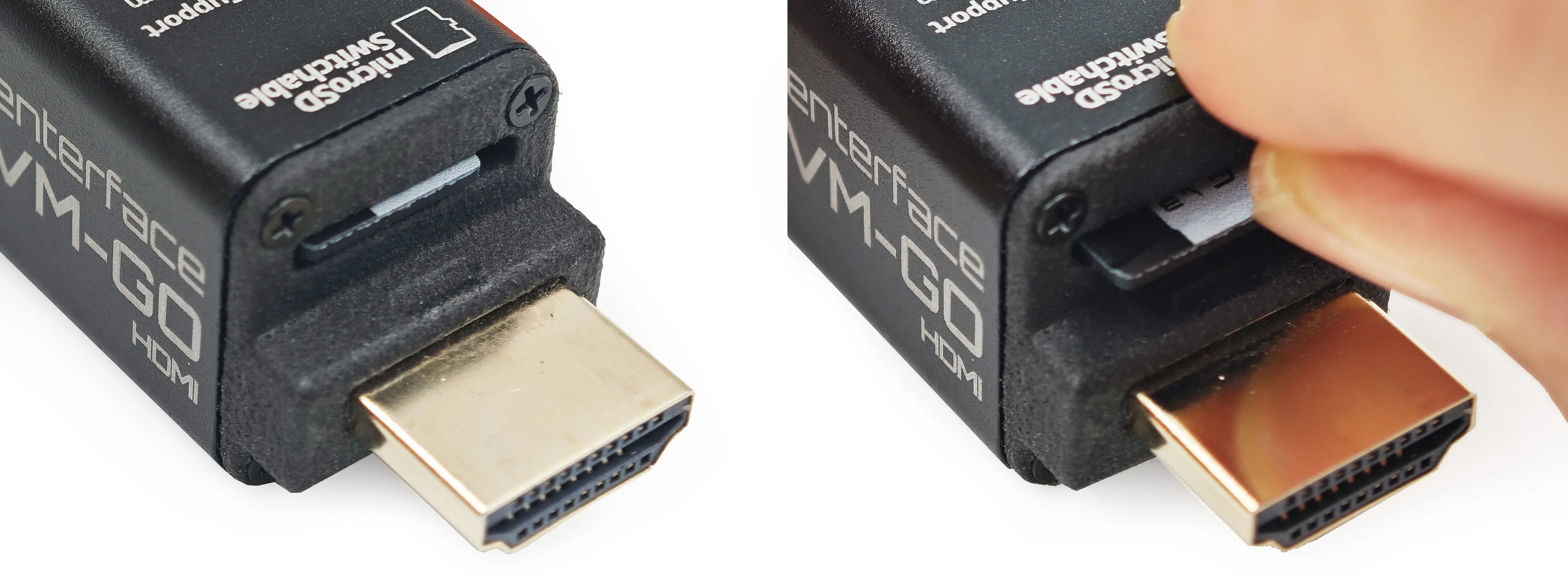
Control Methods
KVM-Go provides two ways to switch the MicroSD card between host and target:
- Hardware Button – A physical button on the device for manual control.
- Software Switch – A toggle button within the host app for instant switching.
Switch Button & LED Indicators
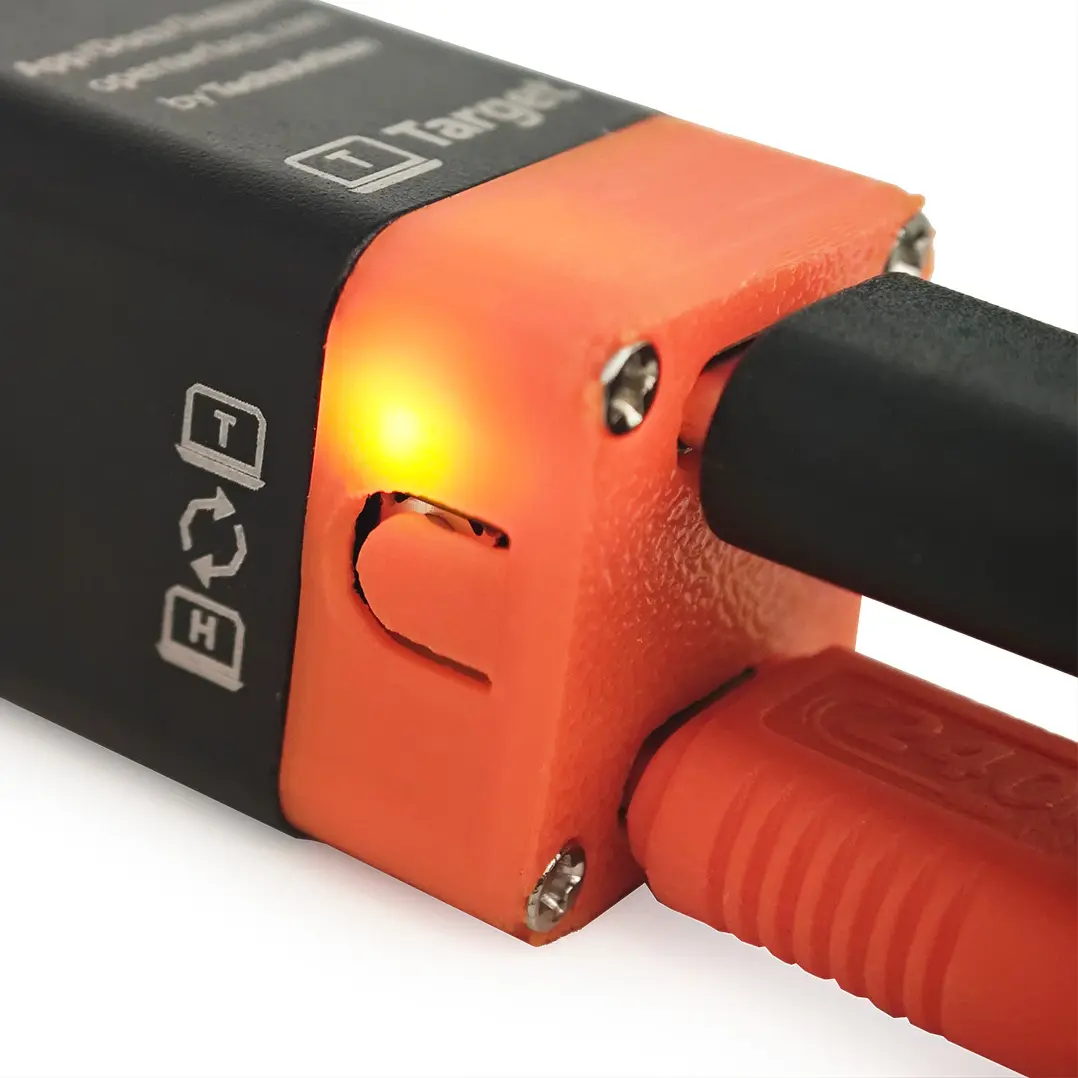
The dual-color LED indicators display the current MicroSD connection state (Note: Under Development / Subject to Change):
- 🔵 Blue LED ON – MicroSD card is mounted to the target device
- 🟢 Green LED ON – MicroSD card is mounted to the host computer
- LED OFF – No MicroSD card inserted or device powered off
- LED FLASHING – Data transfer in progress (read/write activity)
Related
- microSD EXPRESS on KVM-GO: Compatibility Test and Real Transfer Speeds — Compatibility test with SanDisk microSD EXPRESS card and real-world transfer speeds