

KeyMod Tutorial
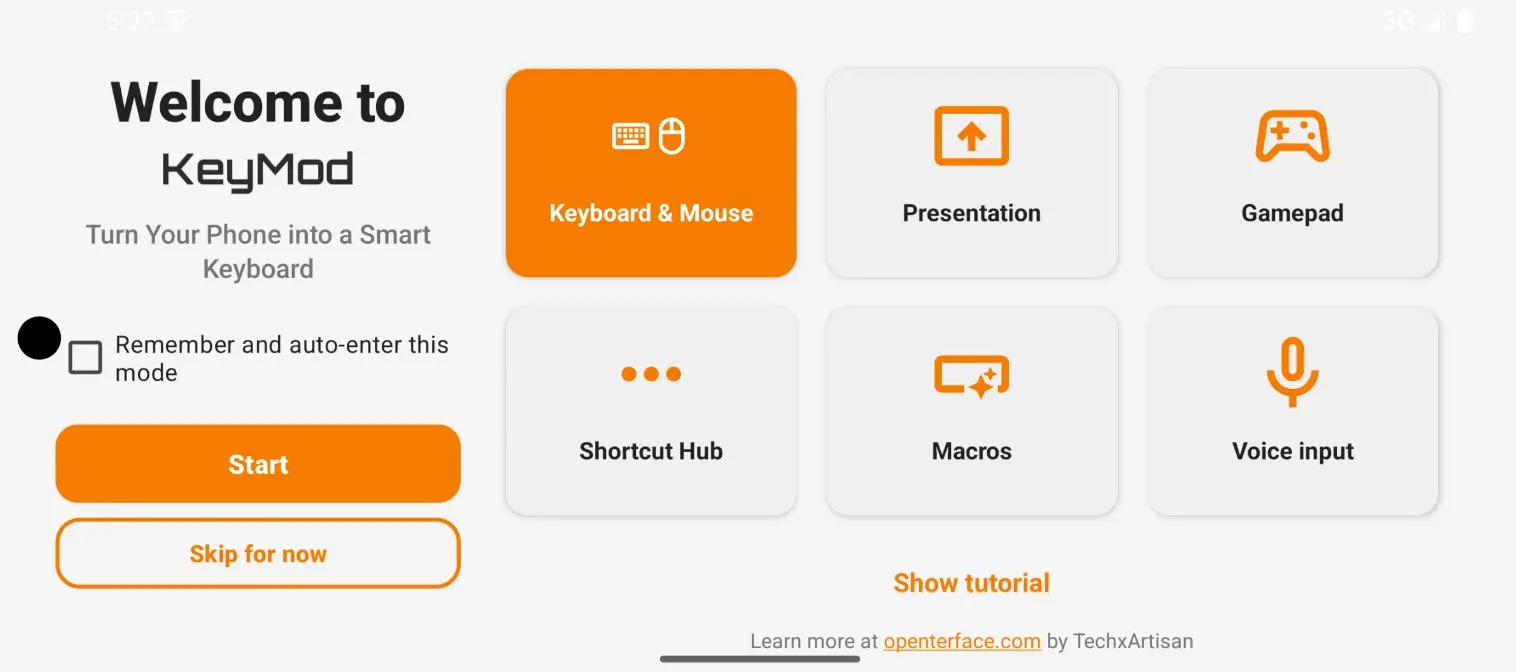
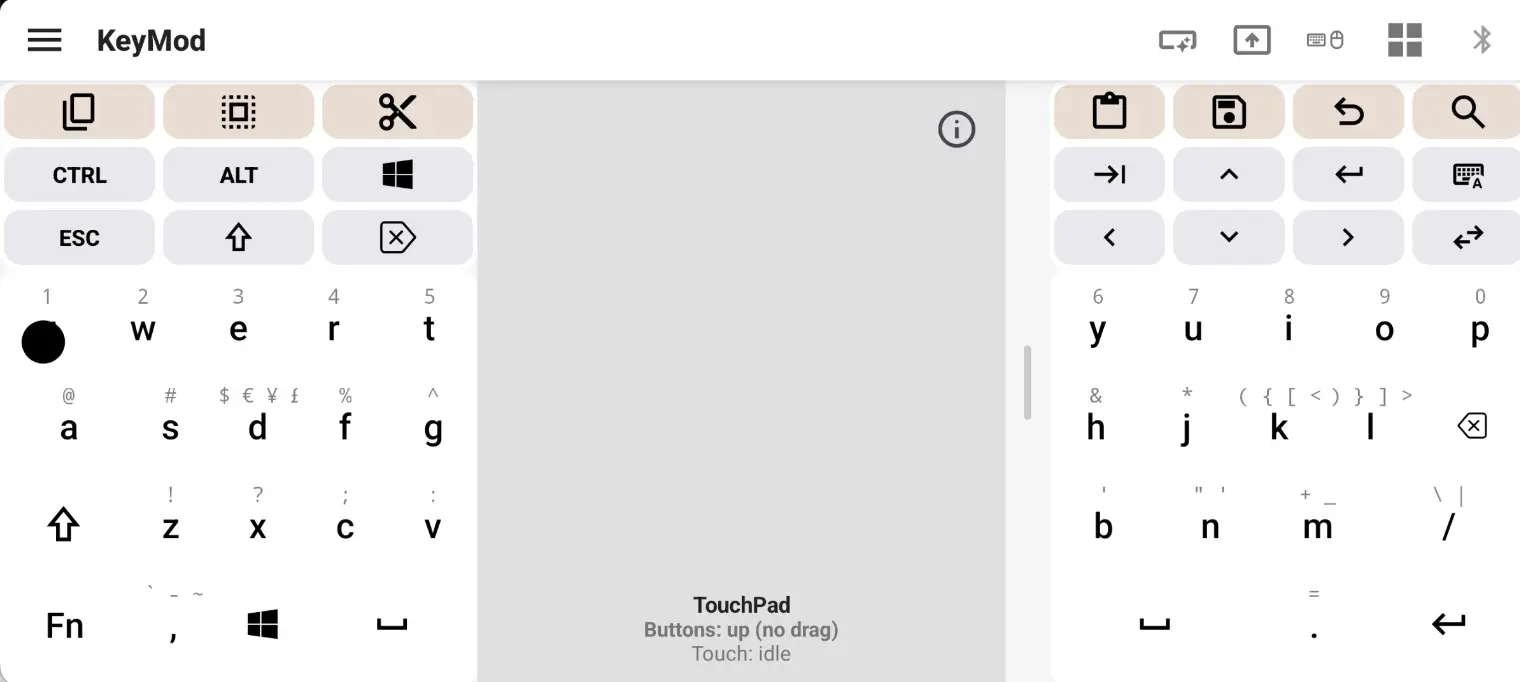
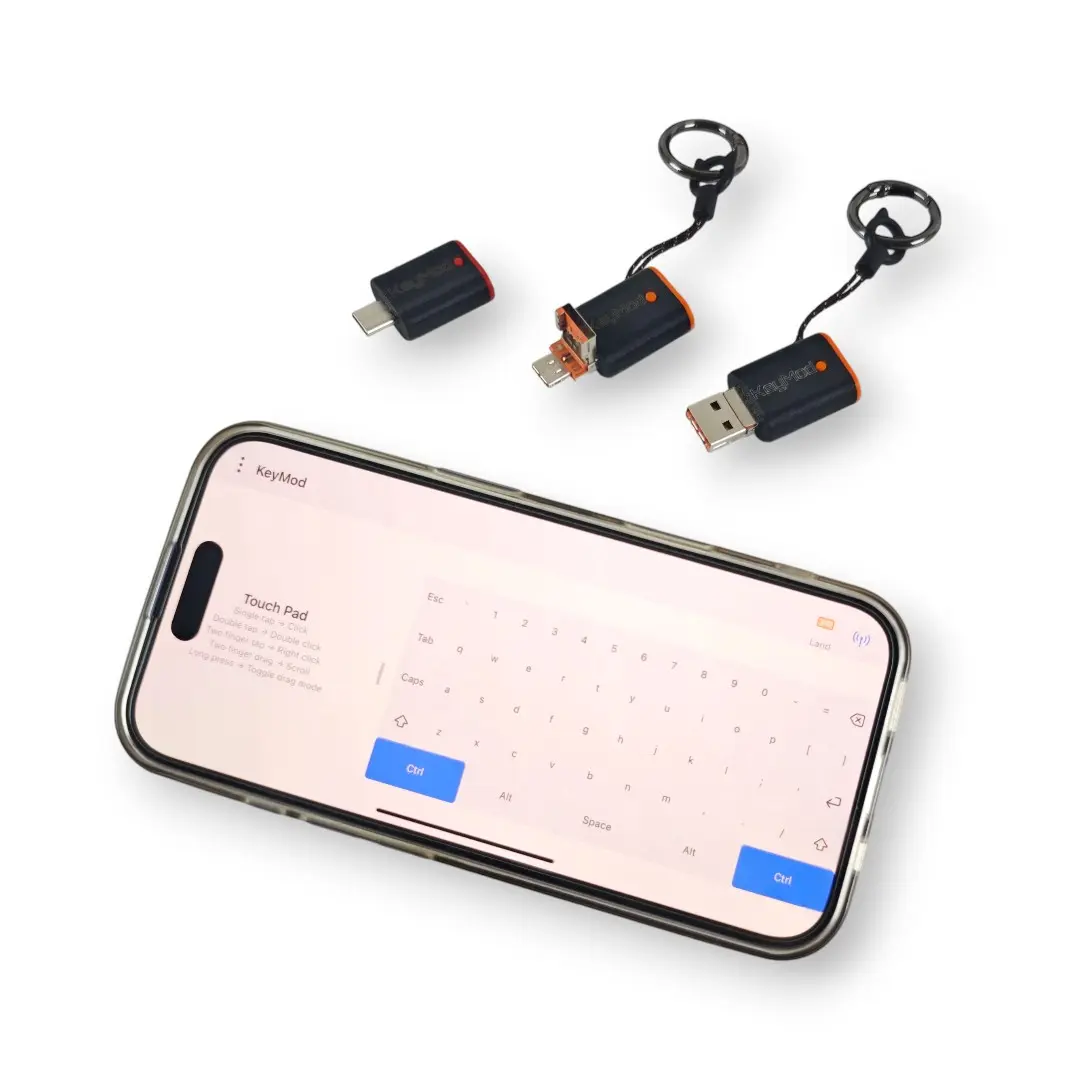
This tutorial covers the Android version of KeyCmd with KeyMod hardware. The iOS version is under development.
What is KeyMod?
KeyMod is Openterface hardware that turns your phone into a keyboard and trackpad for any computer. Pair it with the KeyCmd app on your phone — KeyCmd sends keystrokes, mouse movements, and gamepad inputs through KeyMod to a target computer as if they came from a real USB keyboard and mouse.
How the connection works
[ Your Phone ] ──USB/BLE──> [ KeyMod Hardware ] ──USB HID──> [ Target Computer ]
   (KeyCmd)                   (CH9329 protocol)              (Windows/macOS/Linux)
The KeyCmd app communicates with the KeyMod hardware using the CH9329 protocol over a serial connection (USB-C at 115200 baud, 8N1, or Bluetooth BLE). The KeyMod device appears to the target computer as a standard USB keyboard and mouse — no drivers needed.
Who is this for?
| You are... | KeyMod helps you... |
|---|---|
| System Administrator | Manage servers from your phone without carrying a spare keyboard and monitor |
| Presenter / Speaker | Control slides from anywhere in the room, no clicker needed |
| Gamer | Use your phone as a gamepad for retro gaming or as an extra controller |
| Content Creator | Trigger shortcuts, macros, and voice input while recording on another machine |
| Power User | Send complex keyboard shortcuts, text snippets, or automation sequences from your phone |
| Anyone | Type on your computer from your couch, bed, or across the room |
Tutorial Sections
| Guide | Description |
|---|---|
| 1. Getting Started | Install, connect, and pick your first mode (5 minutes) |
| 2. Keyboard & Mouse | Typing, modifiers, touchpad, and text input |
| 3. Target OS | Target operating system mapping |
| 4. Shortcut Hub | Profile-based keyboard shortcuts for popular apps |
| 5. Macros | Automated key sequences with delays |
| 6. Voice Input | Speech-to-keyboard with Whisper AI |
| 7. AI Integration | Text refinement and command assistant |
| 8. Gamepad | Virtual game controller with customizable layouts |
| 9. Numpad | Numeric keypad for data entry |
| 10. Presentation | Slide remote control and timer |
| 11. Settings | App configuration and preferences |
| 12. Troubleshooting | Common problems and solutions |
Getting Help
- Bug reports: TechxArtisan Discord
- Community: TechxArtisan Discord
- Source code: (coming soon)