

Bağlantı herstellen | Einrichtungsanleitung | Openterface KeyMod
Genel bakış
KeyMod verbindet Ihr Smartphone (ile der KeyMod-App) ile einem Zielgerät. Ihr Smartphone fungiert als Tastatur ve Trackpad; KeyMod emuliert die HID-Eingabe için das Zielgerät.
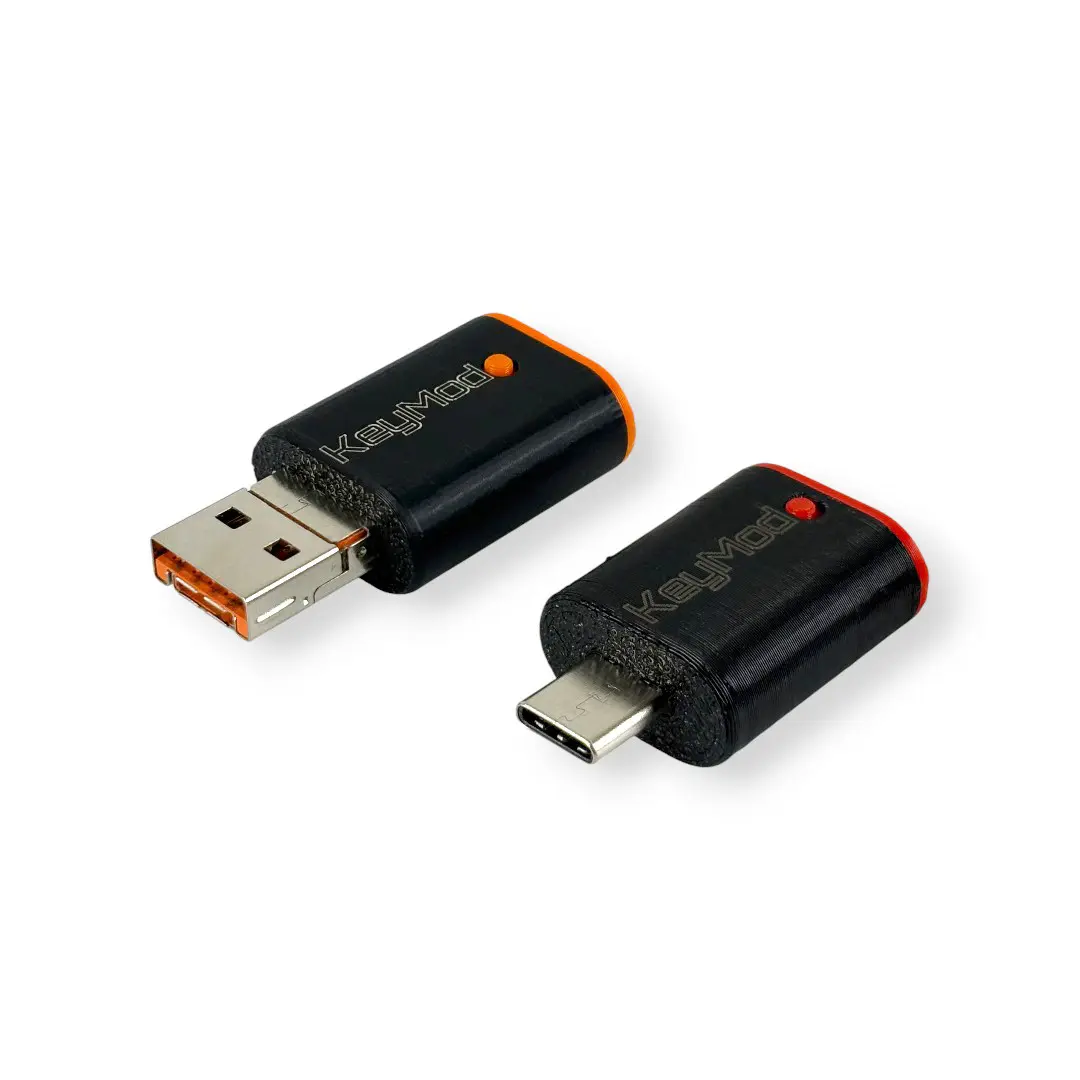
Bağlantısablauf: Smartphone (KeyMod-App) → KeyMod (USB veya Bluetooth) → Zielgerät
- Smartphone/Tablet: Erfordert die KeyMod-Controller-App (Android veya iPadOS)
- KeyMod: Bağlantı zum Smartphone per USB veya Bluetooth; Bağlantı zum Zielgerät per USB
- Zielgerät: Keine Yazılıminstallation erforderlich
Was Sie benötigen
- KeyMod — USB + Bluetooth HID-Emulator
- Smartphone veya Tablet — Android veya iPadOS ile installierter KeyMod-App
- USB-Kabel — Für die KeyMod-zu-Ziel-Bağlantı (im KeyMod-Lieferumfang enthalten)
- Optional: Bluetooth için kabellose Smartphone-zu-KeyMod-Bağlantı
Schritt-için-Schritt-Einrichtung
Schritt 1 — KeyMod-App installieren
Laden Sie die KeyMod-Controller-App herunter ve installieren Sie sie auf Ihrem Android-Gerät veya iPad im App-Bereich.
Schritt 2 — KeyMod ile Ihrem Smartphone verbinden
Option A: USB-Bağlantı
Verbinden Sie KeyMod per USB-Kabel ile Ihrem Smartphone. Die 2-in-1-Variante passt in USB-A- ve USB-C-Anschlüsse; die USB-C-Variante verwendet ein USB-C-Kabel.
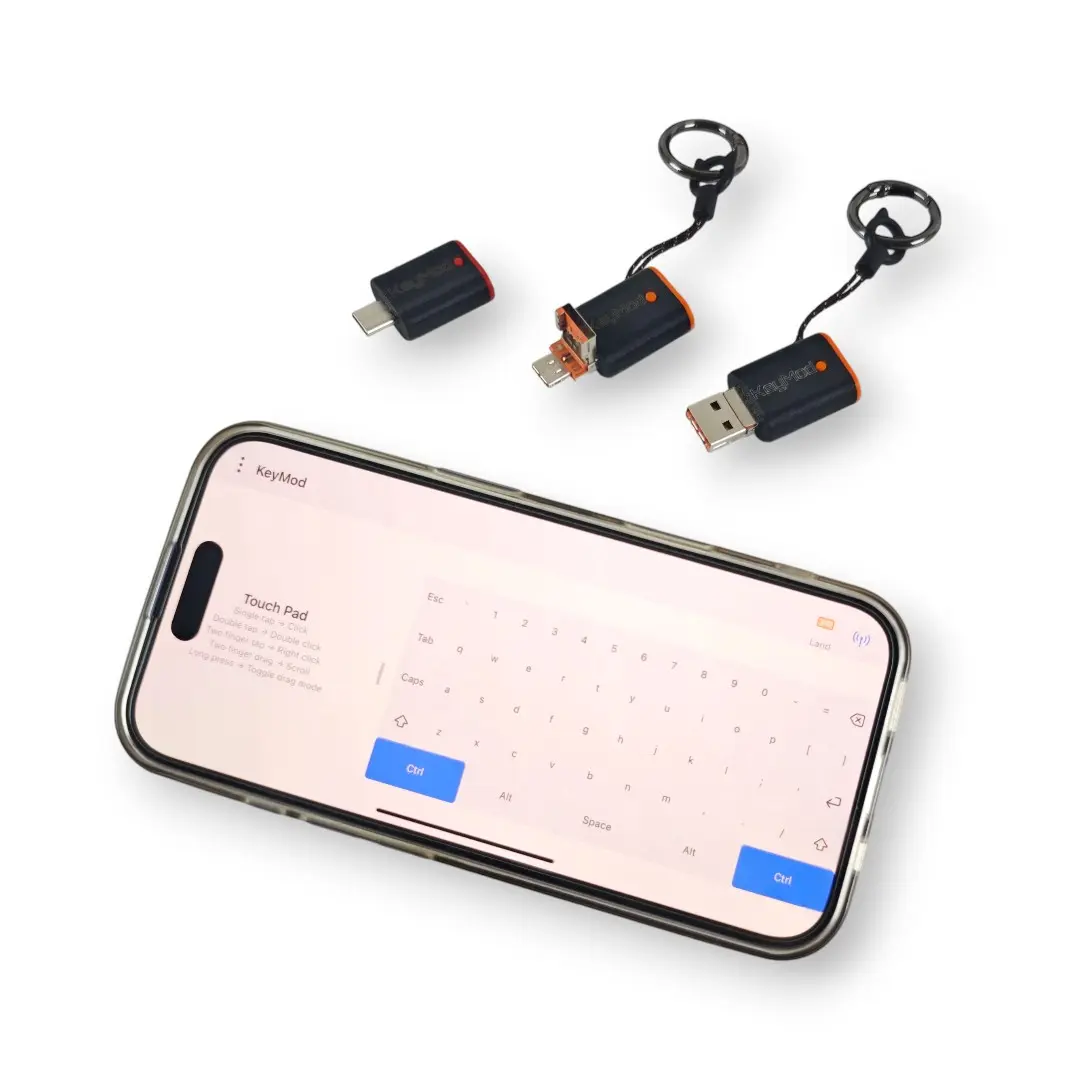
Option B: Bluetooth-Bağlantı
Koppeln Sie KeyMod per Bluetooth ile Ihrem Smartphone için eine kabellose Einrichtung. Aktivieren Sie Bluetooth auf Ihrem Smartphone ve koppeln Sie dann hakkında die App ile KeyMod.
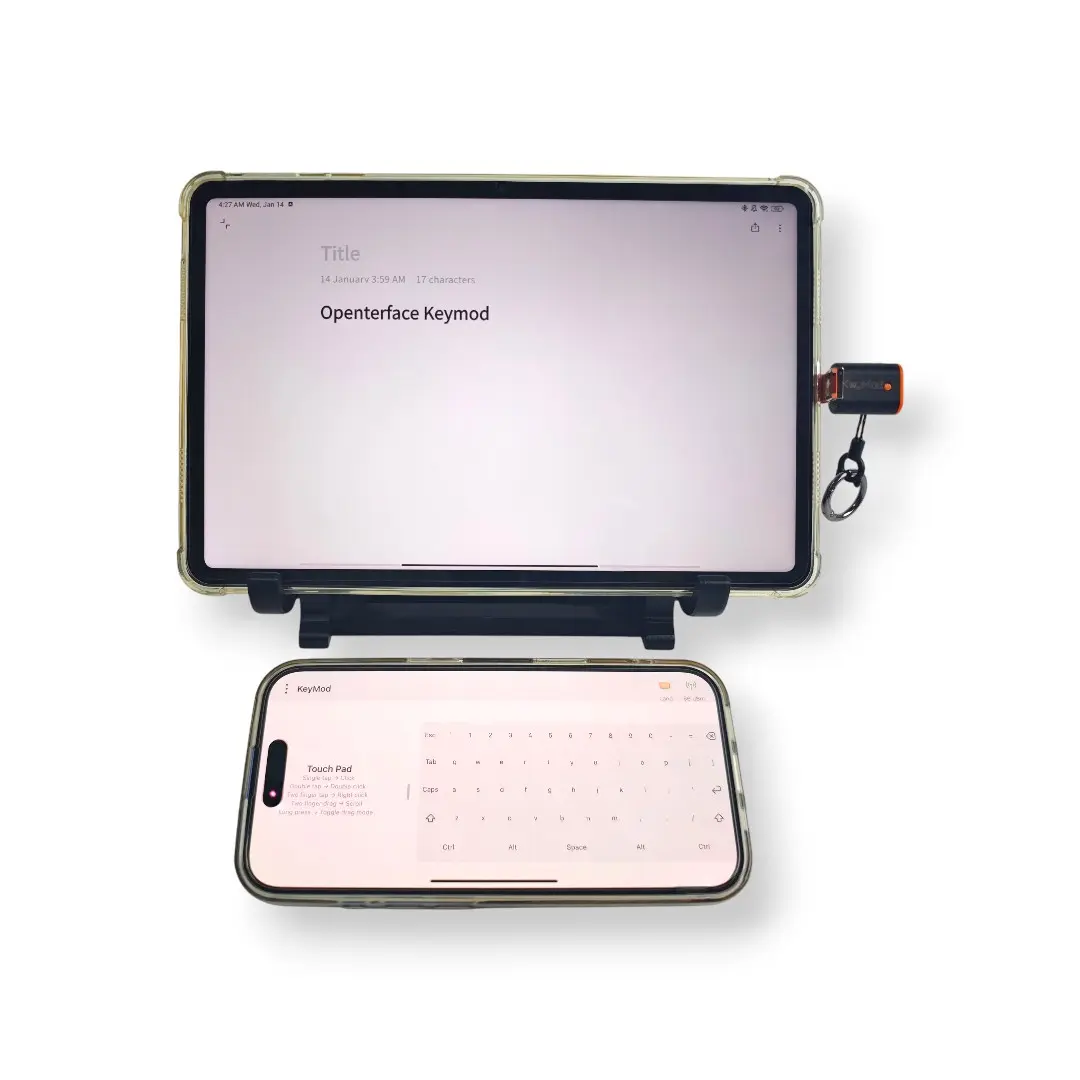
Schritt 3 — KeyMod ile Zielgerät verbinden
Stecken Sie den USB-Stecker von KeyMod in das Zielgerät (Computer, Kiosk, Smart-TV, Set-Top-Box usw.). Das Zielgerät erkennt KeyMod als Standard-USB-Tastatur ve -Maus—keine Treiber veya Yazılım erforderlich.
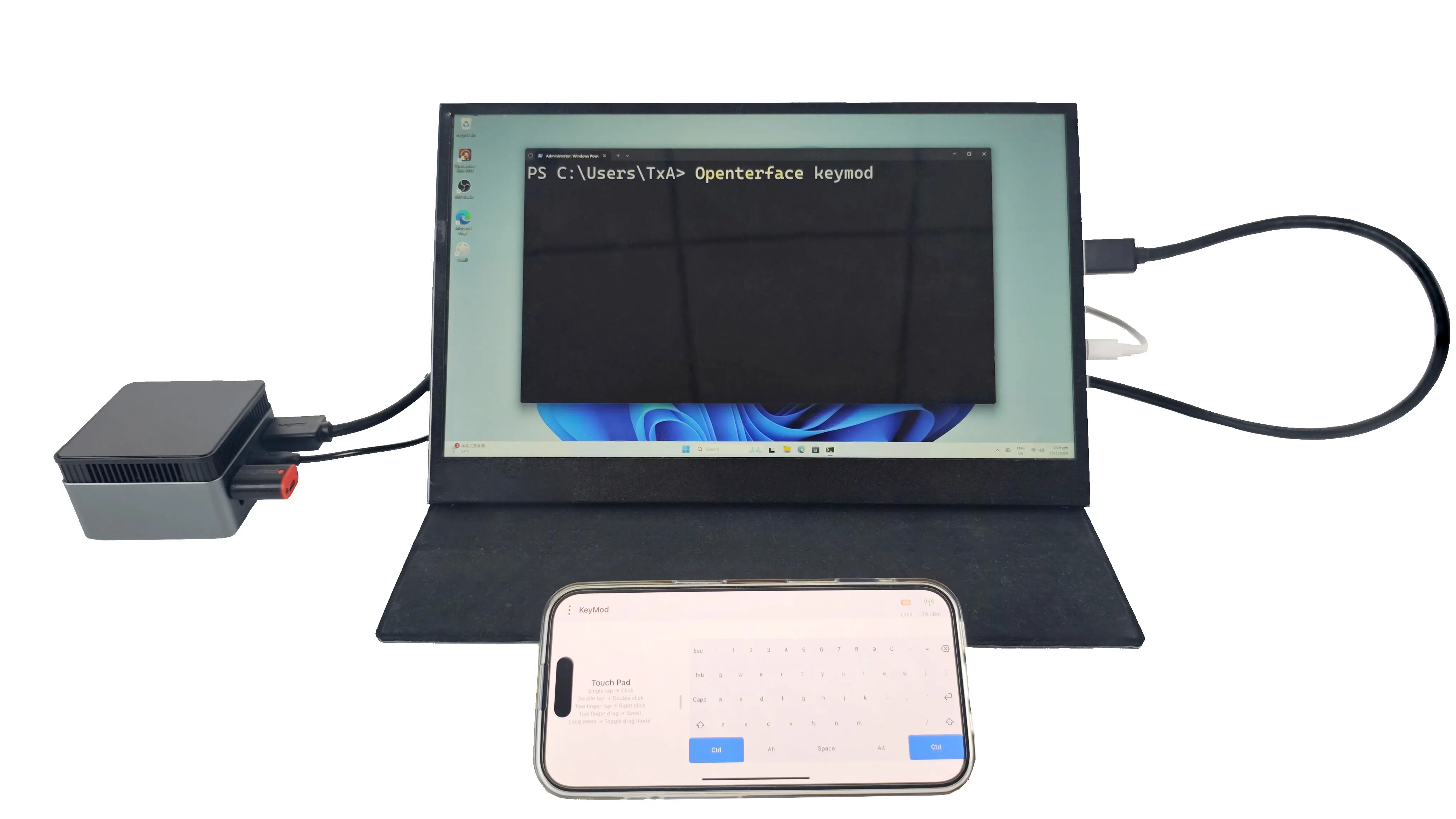
Schritt 4 — Steuerung starten
Öffnen Sie die KeyMod-App auf Ihrem Smartphone. Verwenden Sie die Bildschirmtastatur ve das Trackpad, um das Zielgerät zu steuern. Konfigurieren Sie bei Bedarf Profile, Makros ve Hotkeys.