

Hardware Installation | Extension Module v2
Overview
Extension Module v2 fits into the uConsole expansion slot (the same slot used by the 4G/LTE module). It cannot be used at the same time as the 4G or LTE module — choose cellular or KVM functionality.
What You'll Need
- Package contents verified before installation
- Openterface Extension Module v2 board
- One Ethernet card (100M or 1000M — see Ethernet Guide)
- Expansion slot cover (included)
- Hex screwdriver for mounting screws
- ESD protection (wrist strap or grounded surface) — recommended
Installation Steps
1. Power off
Shut down the uConsole and disconnect all power and cables.
2. Remove existing module
If a 4G/LTE or other expansion module is installed:
- Use a hex screwdriver to remove the two mounting screws.
- Lift the board straight up to avoid bending the spring contactors.
- Store the original module and screws safely if you plan to reinstall it later.
3. Choose your Ethernet card
Before seating the main board, decide which card to install:
| Card | When to use |
|---|---|
| 100M | All uConsole base boards — universal compatibility |
| 1000M | Only if you have the HackerGadgets uConsole Upgrade Kit and need gigabit |
See Ethernet Guide for full details.
4. Install Extension Module v2
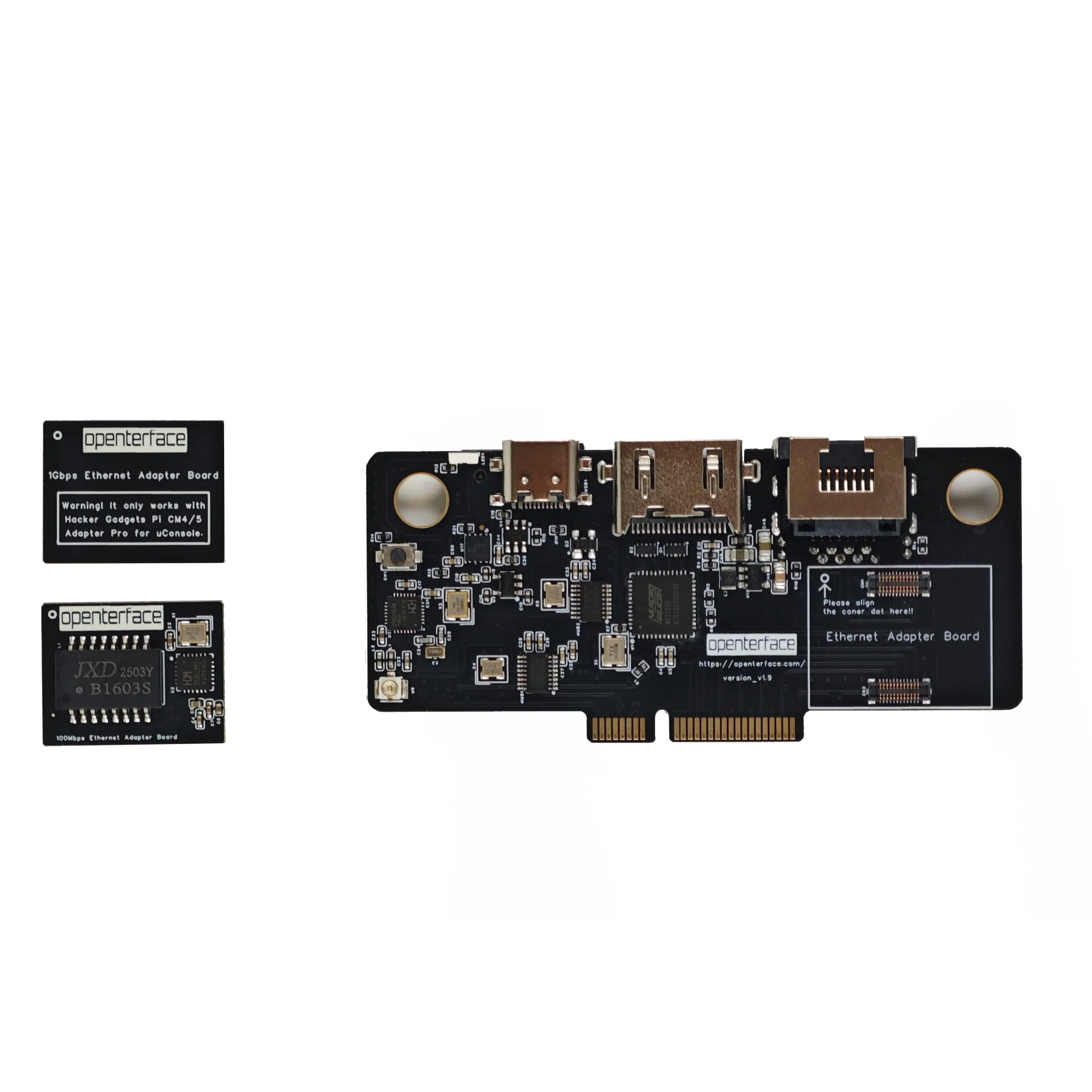
- Seat Extension Module v2 firmly into the expansion slot.
- Ensure spring contactors align evenly across all pads.
- Reinsert mounting screws and tighten gently — do not overtighten.
5. Verify installation
The board should sit flat and stable with no noticeable wobble. All spring contacts should press evenly.
6. Install expansion slot cover
Reinstall the expansion slot cover to protect the module and maintain the uConsole's appearance.
Text orientation on expansion slot cover
The text on the cover may appear upside down from some viewing angles. It is oriented to be readable when you hold the uConsole and look at the ports from above — the natural position during use.
Next steps
- Software Setup — install the Openterface host app on your uConsole
- Connect to Target — HDMI + USB wiring
- Features & Specifications — full technical specs
Legacy v1 installation
The first-generation module (37 × 77 mm) used washers for PCB thickness compensation. See Legacy v1 — Hardware Installation.